Good Gear, Bad Show: The Invisible Details That Make Your Stream Feel Cheap
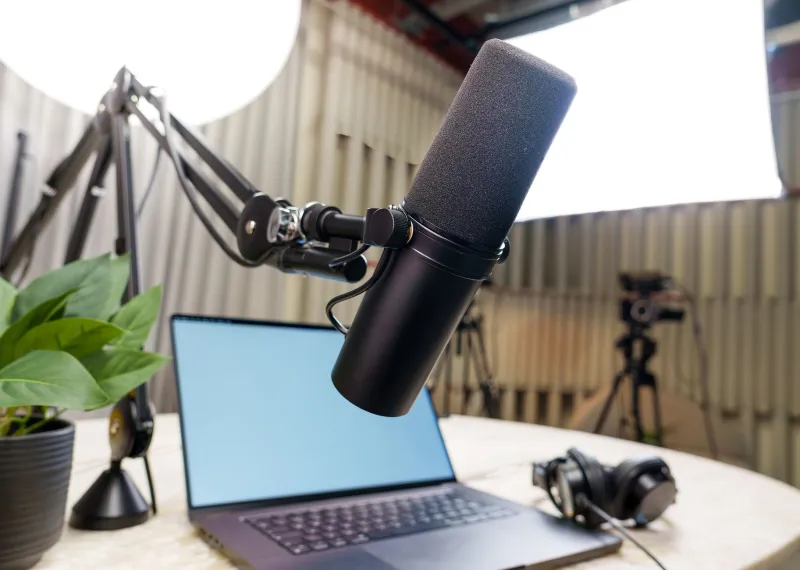
Here's a scenario that plays out constantly in the streaming world: someone drops $400 on a mirrorless camera, another $150 on a condenser mic, sets everything up, goes live — and still gets comments like "is this your first stream?" It stings. And the frustrating part? The problem usually has nothing to do with the gear itself.
Viewers make judgments about production quality in the first few seconds of a broadcast. Not based on your camera's megapixel count. Based on a cluster of subtle, almost subconscious signals that your eyes process before your brain even registers what it's watching. Get those signals wrong and no amount of expensive hardware saves you. Get them right and even a modest setup can look surprisingly sharp.
Let's break down what's actually going wrong — and how to fix it without spending a dime.
Your Lighting Is Technically On, But It's Still Wrong
Most streamers understand that they need light. What they miss is consistency and direction. A ring light pointed straight at your face from three feet away creates flat, shadowless illumination that reads as "webcam call" to your viewers' brains. It removes depth from your face, flattens your features, and ironically makes high-resolution cameras look worse because there's no contrast to work with.
The fix isn't buying more lights. It's repositioning what you have. Move your key light — whatever your brightest source is — to about a 45-degree angle from your face. This creates natural shadow and dimension. If you have a second light source, use it to softly fill the shadows from the opposite side, keeping it dimmer than the key. The difference this makes is immediate and dramatic.
Also: watch for color temperature mismatches. If your desk lamp is warm yellow and your ring light is cool white, your face will look like it's being lit by two different suns. Either match your sources or commit to one and turn the other off.
The Background Is Doing More Work Than You Think
A blank wall isn't neutral — it's a statement, and that statement is usually "I didn't think about this." Your background communicates production intent before you say a single word. It doesn't need to be elaborate, but it does need to feel intentional.
Depth matters more than decoration. Even a simple arrangement — a bookshelf a few feet behind you, a plant to one side, a lamp softly glowing in the corner — creates layers that draw the eye and give your frame a sense of dimension. Flat backgrounds make your stream look two-dimensional in a way that feels cheap regardless of camera quality.
If you're working with a small space, a slightly blurred background (achievable through your camera's aperture settings if you're shooting on a camera lens, or via software like OBS's virtual camera filters) can fake depth convincingly. The goal is to make it look like you exist in a real environment, not in front of a wall you forgot to decorate.
Your Framing Is Off and You Don't Know It
Camera placement is one of the most overlooked elements in streaming. Many creators default to "camera on the desk pointing up at me" which creates an unflattering angle, puts too much ceiling in the shot, and makes you look like you're being interrogated.
Your camera lens should be at or very slightly above eye level. This is the most natural angle for human-to-human communication. It mirrors how we see each other in conversation. When you're looking slightly up at a camera, you appear smaller and less authoritative. When the lens is level with your eyes, you look engaged and confident.
Also check your headroom — the space between the top of your head and the top of the frame. Too much headroom and you look like a tiny person floating in a big box. Too little and your stream feels claustrophobic. A good rule of thumb: your eyes should sit roughly in the upper third of the frame.
Transitions and Scene Changes Are Giving You Away
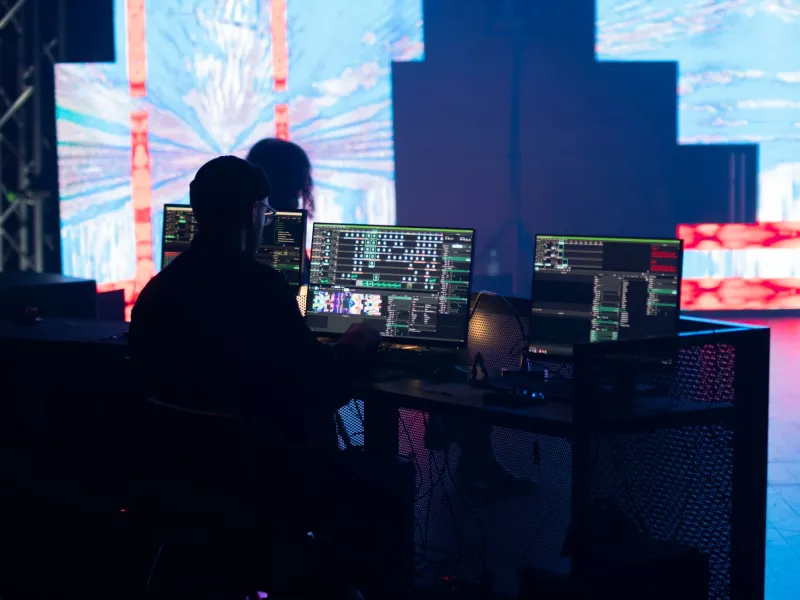
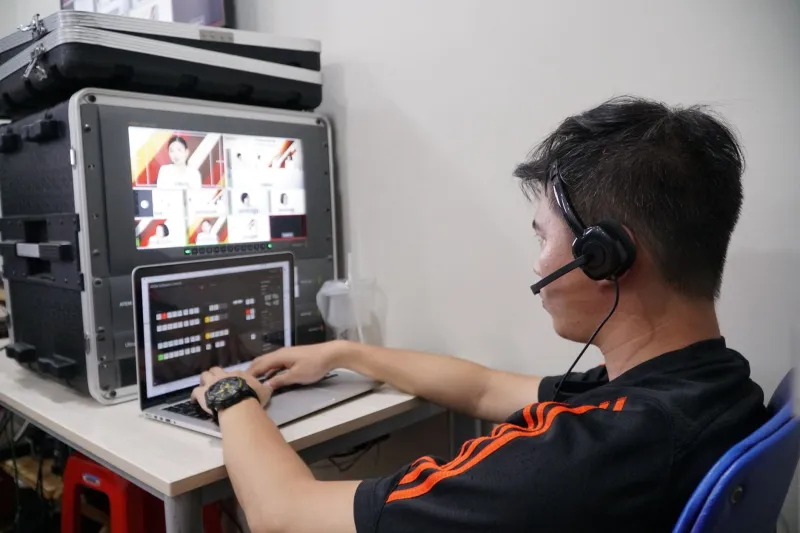
Here's something most tutorials skip entirely: the way you move between scenes, cut to screenshares, or switch camera angles is a massive production signal. Abrupt cuts with no visual logic, scenes that jump in size or color temperature, or going from a polished camera shot to a raw desktop screenshare with no visual framing — these micro-moments tell your viewer whether you planned the show or just winged it.
You don't need fancy transitions. In fact, overusing flashy wipes and spins is its own kind of amateur flag. What you need is visual consistency between scenes. If your screenshare segment has a completely different color profile than your camera shot, add a subtle border or overlay that ties it back to your brand. If you're cutting between angles, make sure the lighting matches so the cut feels natural rather than jarring.
Spend 20 minutes in OBS (or whatever software you're using) just reviewing your scene transitions at normal playback speed. You'll immediately notice the moments that feel rough. Most of them are fixable in under five minutes.
The Audio-Visual Sync Problem Nobody Talks About
This one's subtle but absolutely deadly. When your audio and video are even slightly out of sync — we're talking 50 to 100 milliseconds — viewers feel a vague unease they can't quite name. It reads as "something's off" without them being able to identify what. Over a 60-minute stream, that low-level dissonance is exhausting, and people quietly drop off without leaving feedback.
Check your sync every single stream before you go live. Most streaming software has an audio delay setting you can adjust in milliseconds. Use a simple clap test: record yourself clapping once on camera, then watch the playback and see whether the visual and audio clap land at the same time. If not, dial in your delay offset until they match.
The Cumulative Effect Is the Point
None of these fixes are individually dramatic. Adjusting your light angle by itself won't transform your show. But here's the thing — viewers aren't evaluating your stream element by element. They're absorbing the total impression of everything at once. When your lighting has depth, your framing is intentional, your background layers properly, your transitions are clean, and your audio syncs perfectly, the cumulative effect is a broadcast that feels considered. That's the word. Not expensive. Not cinematic. Just considered.
And considered is what separates streamers who get taken seriously from streamers who get overlooked — no matter what camera they're running.
Start with one fix this week. Move your light. Raise your camera. Tighten your headroom. The gear you already own is more capable than your current setup is letting it prove.